Withdrawal Limits & Timing
bcd333r processes withdrawals to bKash, Nagad, Rocket, and Upay. Before you request your first payout, check the limits below — they apply to all account tiers at the base Copper level.
- Minimum Withdrawal
- ৳1,500 per request
- Daily Maximum
- ৳65,000 Copper tier
- Processing Time
- ~40 min after approval
VIP players on higher tiers unlock bigger daily limits. Silver members can withdraw up to ৳1,00,000 per day; Titanium members up to ৳4,30,000; Royal tier up to ৳7,00,000. See the bcd333r Bonus & VIP page for full tier details.
Payment Methods for Withdrawal
All four mobile banking methods supported for deposits are also available for withdrawals. Use the same account number you registered with to avoid delays.
-
bKash
Deposit: within 5 minWithdrawal: ~40 min
-
Nagad
Deposit: within 5 minWithdrawal: ~40 min
-
Rocket
Deposit: within 5 minWithdrawal: ~40 min
-
Upay
Deposit: within 5 minWithdrawal: ~40 min
How to Submit a bcd333r Withdrawal
The process takes under two minutes once your KYC is verified. Follow these steps from the bcd333r app or website.
-
1
Log in to your bcd333r account
Open the app or go to bcd333r.ws. Enter your registered phone number and password. If you are on mobile, the bcd333r app gives the fastest access — see bcd333r App to download it free.
-
2
Open the Withdrawal section in your wallet
Tap the wallet icon or go to Account → Withdrawal. You will see your available balance — this is the withdrawable amount after any active bonus wagering is excluded.
-
3
Select your payment method and enter the amount
Choose bKash, Nagad, Rocket, or Upay. Enter the amount — minimum ৳1,500, maximum ৳65,000 per day for Copper accounts. Double-check the mobile number attached to your wallet before confirming.
-
4
Confirm and wait for processing
Tap Submit. The system queues your request immediately. The finance team reviews and releases the payment — typically within 40 minutes. You will receive an in-app notification and the amount lands in your mobile wallet.
-
5
Check your transaction history if needed
Go to Account → Transaction History to track the status: Pending, Approved, or Rejected. If Rejected, the amount is returned to your bcd333r wallet balance and you can re-submit after fixing the issue.
KYC: Why bcd333r Requires It
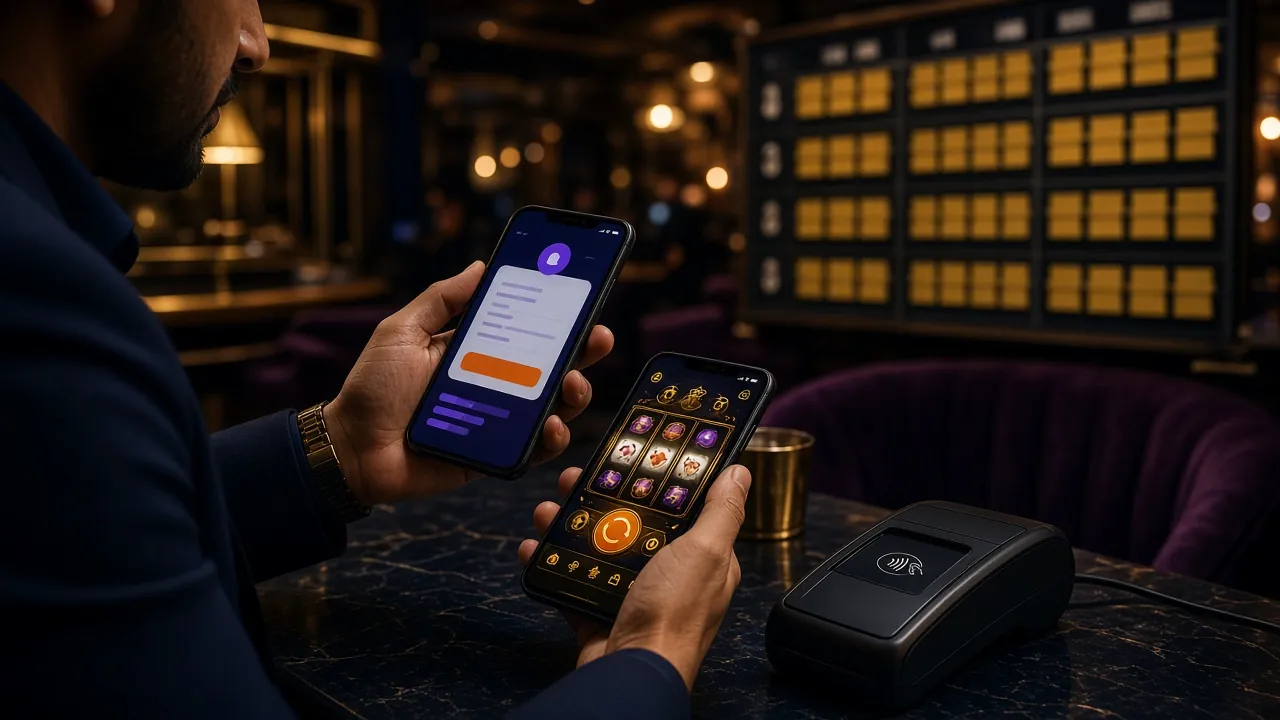
KYC stands for Know Your Customer. bcd333r requires it once — before your first withdrawal — to confirm that the account belongs to you and that payouts reach the right person. It also protects your account from unauthorised withdrawals.
The process is entirely online. You upload photos of your ID document through the app or website. The review team checks them within 2 hours. Once approved, you never need to submit documents again unless your details change.
Which ID Documents Are Accepted
Submit any one of the following government-issued documents. All three are accepted for Bangladeshi residents.
The name on your document must exactly match the name you registered with on bcd333r. If there is a discrepancy — such as a nickname versus your full legal name — contact [email protected] before submitting.
KYC Upload Steps
Complete KYC in four quick steps from your phone or desktop browser.
-
1
Go to Account → Verification in bcd333r
After logging in, tap your profile icon and choose Identity Verification. The page shows your current verification status and an upload prompt.
-
2
Select your document type
Choose National ID Card, Passport, or Driving Licence from the dropdown. This tells the system which fields to verify automatically.
-
3
Upload the front and back of your document
Take a clear photo or scan of both sides. For a passport, upload the photo page and the page showing your date of birth and document number. Files must be JPG, PNG, or PDF under 5 MB.
-
4
Submit and wait for the 2-hour review
Tap Submit. The bcd333r verification team reviews your documents within 2 hours. You receive a notification when approved. You can then proceed with your withdrawal immediately.
Photo & Scan Requirements
Poor-quality photos are the most common reason KYC is delayed. These tips will get your submission approved the first time.
-
All four corners must be visible. Do not crop the edges of your document. Lay it flat on a plain surface and shoot from directly above.
-
Text must be fully readable. Zoom in after taking the photo to confirm that the name, document number, and date of birth are sharp and not blurred.
-
No glare or shadows. Avoid holding the document under bright overhead lighting. Natural light from the side works better for plastic ID cards.
-
File size under 5 MB. Standard smartphone photos in JPG format are almost always under this limit. If your file is larger, reduce resolution slightly before uploading.
-
No physical damage to the document. Torn, heavily worn, or laminated documents with cracked plastic may fail automated checks. If your NID is damaged, use your passport instead.
-
Not expired. The expiry date shown on the document must be on or after your submission date. Expired passports or licences are rejected automatically.
Rejected Withdrawals — Causes & Fixes
If your bcd333r withdraw request is rejected, the amount returns to your wallet balance and you can re-submit. Check the table below to find the cause and what to do next.
| Reason for Rejection | What It Means | How to Fix It |
|---|---|---|
| KYC not verified | No identity documents submitted yet | Go to Account → Verification, upload your NID/Passport/Licence, wait up to 2 hours for approval, then re-submit the withdrawal. |
| Amount below minimum | Request was under ৳1,500 | Wait until your balance reaches ৳1,500 or add more winnings, then submit a fresh request. |
| Daily limit exceeded | Requests already hit ৳65,000 today (Copper tier) | Wait until midnight (UTC+06) for the daily counter to reset. Alternatively, build up your VIP tier to unlock a higher daily limit. |
| Wagering not met | Active bonus funds have not completed the 17× wagering requirement | Continue playing with the bonus balance. Only your real-money balance is withdrawable before wagering is complete. |
| Mismatched account name | The mobile wallet name does not match your bcd333r account name | Use a mobile banking account registered under your own name. Contact live chat if your registered name needs correction. |
| Incorrect wallet number | Typo in the bKash/Nagad/Rocket/Upay number | Go to Withdraw, re-enter the correct number, and re-submit. Triple-check before confirming. |
| Suspicious activity flag | Automated security review triggered | Contact bcd333r 24/7 live chat or email [email protected]. The support team can release the hold after verification. |
Common Questions
Why is my first withdrawal taking longer than 40 minutes?
The first withdrawal from any new bcd333r account requires a manual KYC review even if you uploaded documents earlier. This can take up to 1 hour. After the first payout is approved, all subsequent withdrawals process within the standard ~40 minutes. If it has been over 1 hour, contact live chat with your transaction ID.
Can I submit more than one withdrawal request at a time?
bcd333r processes one withdrawal request at a time per account. You can submit a new request once the current one is approved or rejected. The combined total of all approved withdrawals in a single day must not exceed ৳65,000 for Copper tier accounts. Higher VIP tiers have larger daily limits.
I entered the wrong mobile wallet number — what happens?
If the payment fails because the number does not exist, bcd333r will automatically return the funds to your account wallet balance. If by chance the number belongs to someone else, contact support immediately via live chat so the transaction can be stopped before it completes. Always double-check the number before confirming.
My withdrawal has been Pending for over 2 hours — is something wrong?
During peak periods (such as after a major cricket match), processing queues can back up slightly. If your request has been in Pending status for more than 2 hours without a notification, open live chat and share your transaction reference number. The team can manually check the queue status and escalate if needed.
My KYC review has been going for more than 2 hours — should I re-upload?
Do not re-upload during an active review — it resets the queue position. The standard review time is up to 2 hours. If the status still shows "Under Review" after 3 hours, contact [email protected] and include your account phone number and the document type you submitted. The team will check manually.
Can I withdraw to a different payment method than the one I deposited with?
Yes, bcd333r allows withdrawals to any of the four supported methods — bKash, Nagad, Rocket, or Upay — regardless of which one you used to deposit. The key rule is that the mobile wallet account must be registered in your own name, matching your bcd333r account name exactly.
Ready to make your first bcd333r withdrawal?
Create your account, complete KYC once, and get your winnings sent to bKash or Nagad within 40 minutes. Minimum deposit is just ৳200 to get started.